
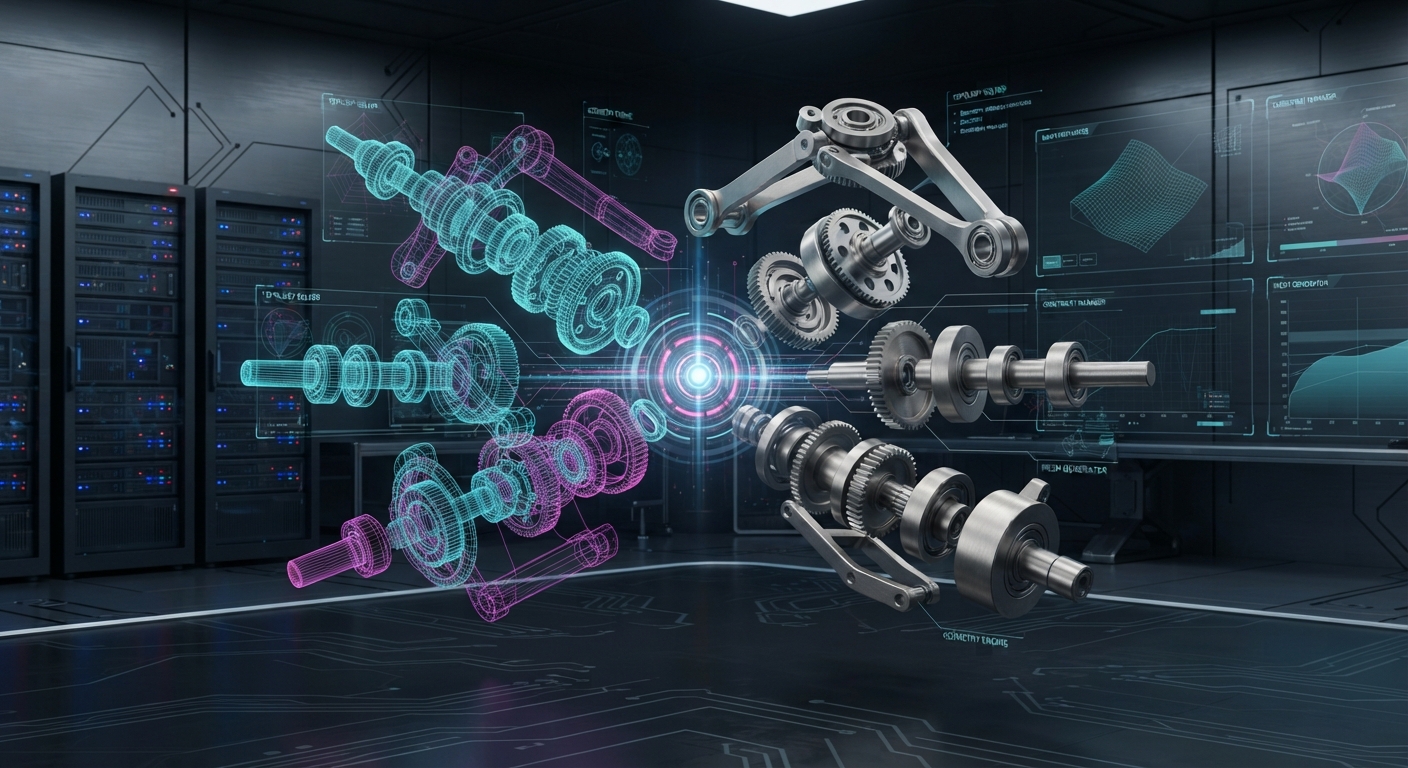
Creating advanced 3D engineering software requires a combination of software architecture, geometric computing, visualization, and a clear understanding of how engineers work. For cad software developers, the challenge is not simply displaying a three-dimensional object but creating applications that can process complex models accurately and efficiently while supporting practical design workflows.
Modern CAD applications may need to handle everything from individual components to large assemblies containing thousands of parts. They may also need to import and export different file formats, manage model attributes, provide interactive visualization, and connect with other engineering systems. Building such applications requires careful planning from the earliest stages of development.
Understanding the Engineering Workflow
Before development begins, teams need to understand what users expect from the application. Mechanical designers, manufacturing engineers, analysts, and other professionals may interact with the same model in different ways.
Identifying common tasks helps developers determine which capabilities should receive the most attention. These may include creating geometry, editing models, inspecting components, exchanging files, or preparing information for downstream applications.
A clear understanding of the target workflow can prevent unnecessary features from complicating the user experience.
Building a Strong Geometry Foundation
Geometry processing is at the center of advanced CAD software. Developers need reliable methods for representing and manipulating solids, surfaces, curves, edges, and other geometric entities.
Complex engineering models can expose weaknesses that remain hidden in simple examples. Detailed surfaces, small features, and complicated assemblies require efficient processing and accurate calculations.
For this reason, development teams typically test geometry capabilities using realistic engineering datasets. Performance and accuracy both matter because users need dependable results without excessive processing delays.
Designing Efficient 3D Visualization
An advanced CAD application also needs effective visualization. Engineers should be able to rotate, zoom, inspect, and navigate models without the interface becoming difficult to use.
Large assemblies can create additional performance challenges. Displaying thousands of components while maintaining responsive interaction requires careful management of rendering and model data.
Developers may also need to support different visualization modes depending on whether users are reviewing geometry, inspecting components, or preparing information for manufacturing.
Supporting Multiple CAD Formats
Engineering organizations often work with more than one CAD platform. An application may therefore need to import external models and export data in formats required by other systems.
File translation capabilities can make a CAD application more flexible and useful in collaborative environments. Developers should consider the formats their users commonly encounter and evaluate how complex geometry, assemblies, and model attributes are handled during data exchange.
Testing with representative files is important because format compatibility can vary significantly between simple parts and complex production models.
Managing Assemblies and Model Data
A modern CAD application may need to manage more than geometry. Assemblies can contain component hierarchies, names, identifiers, properties, and other information.
Developers should establish clear methods for organizing this information within the application. Efficient data structures can improve performance and make it easier to navigate complex models.
Maintaining useful model organization also supports downstream workflows such as design review, manufacturing preparation, and technical analysis.
Automation and Integration
Advanced engineering applications increasingly interact with other software systems. A CAD platform may need to exchange data with simulation tools, manufacturing applications, product data systems, or internal engineering services.
Automation can further improve productivity by handling repetitive tasks such as batch conversion, model processing, or data preparation. Developers should consider error handling and validation when designing automated processes so that unusual or unsupported files can be identified.
Testing and Continuous Improvement
Testing is an essential part of CAD software development. Development teams should evaluate applications with models representing different levels of complexity, file sizes, and assembly structures.
Performance testing can identify bottlenecks, while geometry validation can reveal accuracy issues. User feedback can also help developers understand where workflows can be simplified or improved.
Building the Future of 3D Engineering Software
Advanced CAD applications require a balanced combination of geometry processing, visualization, data exchange, performance, and usability. For cad software developers, selecting appropriate technologies and establishing a strong software architecture can provide a foundation for long-term development.
By understanding engineering workflows, testing with realistic models, and designing for integration and scalability, development teams can create 3D software that supports demanding professional environments. As digital engineering continues to evolve, well-designed CAD applications can help organizations manage increasingly complex models and connected product development processes. Comparing CAD Converter Software for Engineering Data Translation.
#CADDataExchange #STEP #CAD